01 / Gaming · Motion graphics and 3D
Motion graphics and 3D ads, built around the game on screen.
We make motion graphics and 3D ads for mobile games in house: the system, the progression, the world and the characters, rendered so a player understands the game in seconds. They come from the same brief as your UGC, playables and end cards, run on AppLovin, Meta and TikTok, and are judged on installs and payers in your MMP.
What motion graphics and 3D ads are
A motion graphics ad is a video built from animated design rather than filmed footage: type, interface, icons, illustrated characters and game art, moved and timed to a script. A 3D or CGI ad is built from modelled, lit and rendered scenes, so a character, a creature or a world can be shown from any angle, in any light, doing things the camera could never capture. Most of the motion and 3D work we make for games mixes the two with real captured gameplay.
The difference from UGC is simple. A creator sells a reaction to the game. Motion and 3D sell the game itself: the board, the system, the hero, the world.
When motion and 3D beat live action or UGC
Our view is that motion and 3D win when the thing the player needs to understand lives inside the game, and a face on camera would only get in the way. In practice that means five jobs:
| The job | Why motion or 3D does it better |
|---|---|
| Showing a system | A rule (match, merge, outrun, collect) can be slowed, labelled and replayed in a way a screen recording cannot. |
| Showing progression | A level or a base can go from empty to finished in ten seconds. |
| Selling a world | Camera moves across a map or an island give scale that UI capture flattens. |
| Using IP and characters | Licensed creatures and heroes can be rendered at the quality the fans expect. |
| Explaining a mode | Kinetic labels and arrows can teach a new mode in the time a creator spends saying hello. |
UGC is still the better tool when the hook is a person: a reaction, a confession, a challenge between two players. We would run both, not pick a side.
One caution from Google is worth taking seriously. Its help article on gameplay videos separates "gameplay videos", which are "actual gameplay content that help demonstrate what playing the game is like", from "promotional videos", which are "cinematic trailers and skits that show off the game's storyline, characters, or features", and says "most mobile game players are more likely to install a game after watching gameplay videos compared to promotional videos." Google's guidance on App campaign creative also says videos "should get to the app experience as quickly as possible." We read that as a rule for this format: the render is the wrapper, and the game has to be on screen early. A beautiful cinematic that never shows the board is a trailer, not a user acquisition ad.
Formats and specs per network
Specs change, so check each network's page before a batch goes out. As published when we wrote this:
| Network | What the network's own page says |
|---|---|
| AppLovin (apps) | Video "9:16 (Portrait)", MP4 or MOV, maximum file size 1 GB, maximum duration 60 s. AppLovin reprocesses every video into a standard format. |
| Instagram Reels (Meta) | Ratio 9:16, recommended resolution 1440 x 2560, duration 0 seconds to 15 minutes. Meta suggests leaving at least 14% of the top, 35% of the bottom and 6% of each side free of text, logos or other important elements. |
| Facebook Feed (Meta) | Recommended ratio 4:5 at 1440 x 1800, duration 1 second to 241 minutes, maximum 4 GB. |
| TikTok in-feed (non-Spark) | Vertical 9:16 recommended at 540 x 960 or more; 16:9 and 1:1 also accepted; up to 10 minutes; 500 MB or less. |
| Google App campaigns | Google encourages uploading up to the maximum of 20 videos, and says successful app video ads in its research "on average" contain "2+ cut changes within the first 5 seconds". |
Two consequences. Design for 9:16 and treat other shapes as reframes, keeping the game and the type inside Meta's safe zone from the start. And on AppLovin the video is only part of the ad: the playable or end card that follows is a separate asset, and our playable ads and end cards pages cover those.
What good looks like
These pieces from our showcase show the five jobs above. We describe what each ad shows, not how it performed.
- A mode, explained. SEGA's Sonic Rumble "How to Rumble" moves through the game's courses, the player lobby and a running player count, and ends on the characters and a Play Now button. It teaches a mode in under a minute.
- A system under pressure. Kitchen Masters "Tomato Tsunami" puts a 3D chef in a tank filling with tomatoes above the puzzle board, so every move on the board has a visible consequence, before a fail screen and the level map.
- A world, split from the play. Game of Thrones: Dragonfire "Sheepstealer Outrun" runs a rendered dragon in the top half and top-down flight over the sea in the bottom half under the line "Can you escape Sheepstealer?". The IP gets its spectacle and the game still gets the screen.
- Character drama into the board. Empires and Puzzles "Animated Board" opens on a 3D heroine choosing between "Hold" and "Fight", then cuts to an isometric rendered battle with the match board in the middle.
- A story with a world at the end. Paradise Paws "Island Awakens" is illustrated 2D motion with dialogue boxes, a hut restored from ruin and a closing shot of the island and its animals.
- A live opener into the game. Dragon City "DC Party Reveal" starts as a filmed party reveal and turns into animated eggs hatching, feeding, the world map and the dragon roster.
How Flixr makes it
We make video, creators and UGC, motion, playables, end cards, statics and the landing page from the same brief, with generative AI where it earns its place and cast actors where trust has to land. That matters for motion and 3D in one specific way: the rendered hero shot, the playable and the end card should carry the same promise, and they only do if one team briefs them together.
The work runs on a weekly loop: brief, make, launch, read, log. It starts with read-only access to your results and ad accounts, so we are judged on the same numbers as your team, and a first month spent reading 90 days of your ads one by one before the first three hypotheses go live. Flixr Studio, our own tool, tracks every ad running in a category on AppLovin, Meta and TikTok, how long each one lasted and what replaced it; it has read over 40,000 ads across 195 markets. For motion and 3D that is where the brief starts: which rendered concepts in your genre the networks keep funding, and which ones they dropped. Our genre teardowns show what that reading looks like.
Our production habit for this format is to build for variation. A render is expensive to make once and cheap to recut, so we plan the hero shots to be reused across hooks, lengths and aspect ratios, and change the opening seconds far more often than the scene.
How to test it
Our view: test motion and 3D in the same campaigns as your UGC and live action, not in a separate "brand" line, and judge them on the same result. For a game that means installs and payers in your MMP, read inside your own ad accounts, rather than view rate or watch time.
Use what each network gives you. Google's asset report rates each asset as "Waiting", "Learning", "Low", "Good" or "Best", and Google says those ratings "are relative to the other assets in your campaign"; it recommends adding more assets "instead of removing 'Good' or 'Low' rated assets." TikTok's split testing keeps other variables the same, gives each audience group only one ad group, and is designed to reach "a 90% confidence rate" before it names a winner.
Within the format, test one thing at a time: the first three seconds, gameplay early against gameplay late, 2D motion against a 3D render of the same idea. For a deeper method see how to know which part of an ad drives installs and UGC or produced.
What you get
The game on screen early
Renders and motion wrap real gameplay; the board, the system or the world shows up in the first seconds.
Built to recut
Hero shots planned for reuse across hooks, lengths and aspect ratios, so one render feeds many variations.
Same brief as the playable
Motion, UGC, playables and end cards made from one brief, so they carry the same promise.
Read on your numbers
Results come from your MMP and ad accounts, and feed the next round.
How it runs
One loop, every week.
- 01 Read Read-only access to your results and ad accounts, so we are judged on the same numbers as your team.
- 02 Brief A gap analysis of what works in your account and who you do not reach yet becomes the first three hypotheses.
- 03 Make and launch We make the creative in house and launch it into your campaigns.
- 04 Log Every result goes into the logbook, and the next brief starts from it. The loop runs every week.
The work
Work that shows it.
-
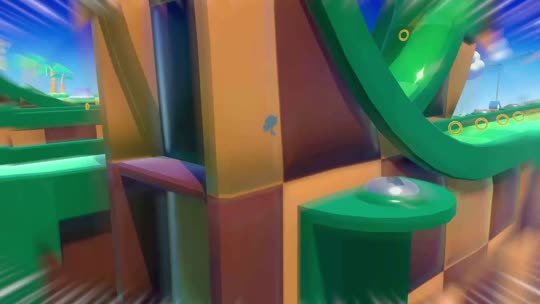 How to Rumble Motion Graphics Motion graphics that walk through Sonic Rumble's courses, lobby and player count to teach a game mode before the call to action. Watch in the showcase ↗
-
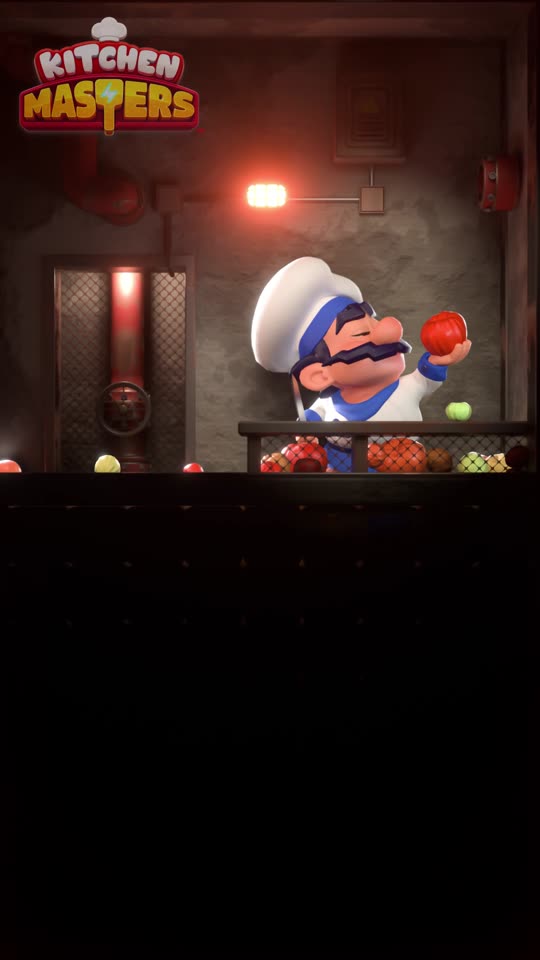 Tomato Tsunami 3D/CGI 3D: a rendered chef in a tank filling with tomatoes above the puzzle board, so each move has a visible consequence, ending on a fail screen and the level map. Watch in the showcase ↗
-
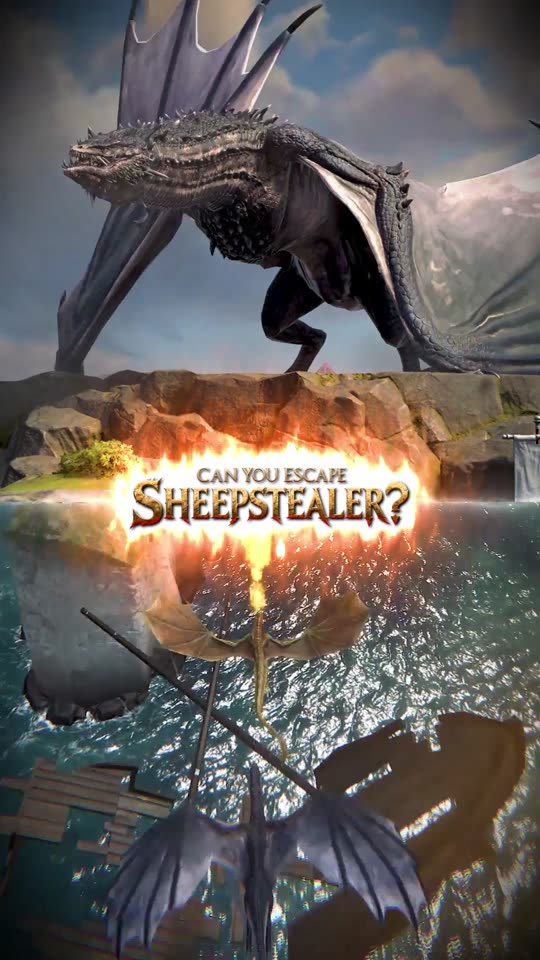 Sheepstealer Outrun Split Screen Motion Graphics Split screen for Game of Thrones: Dragonfire: a rendered dragon on top, top-down flight gameplay below, under the line 'Can you escape Sheepstealer?'. Watch in the showcase ↗
-
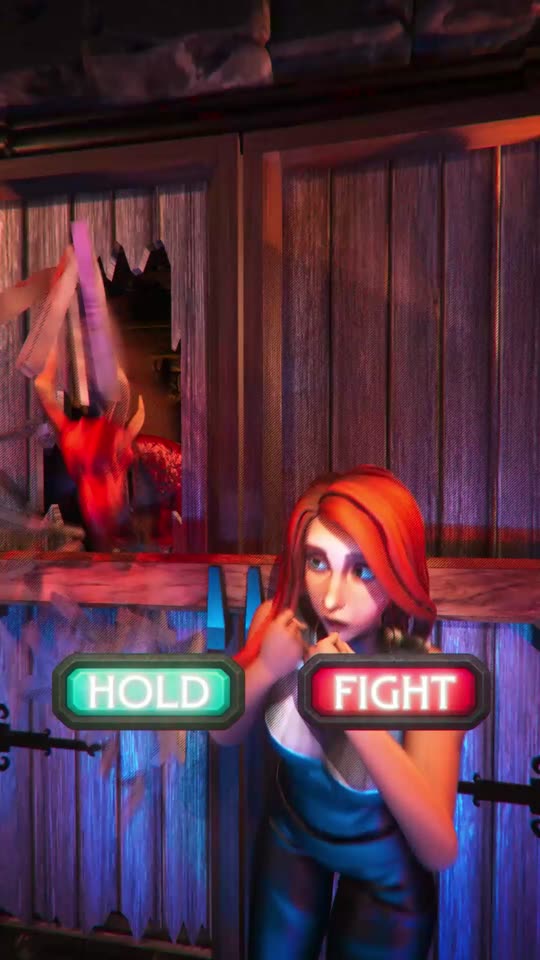 Animated Board 3D/CGI 3D/CGI: a rendered heroine choosing 'Hold' or 'Fight', then an isometric battle with the match board at its centre. Watch in the showcase ↗
-
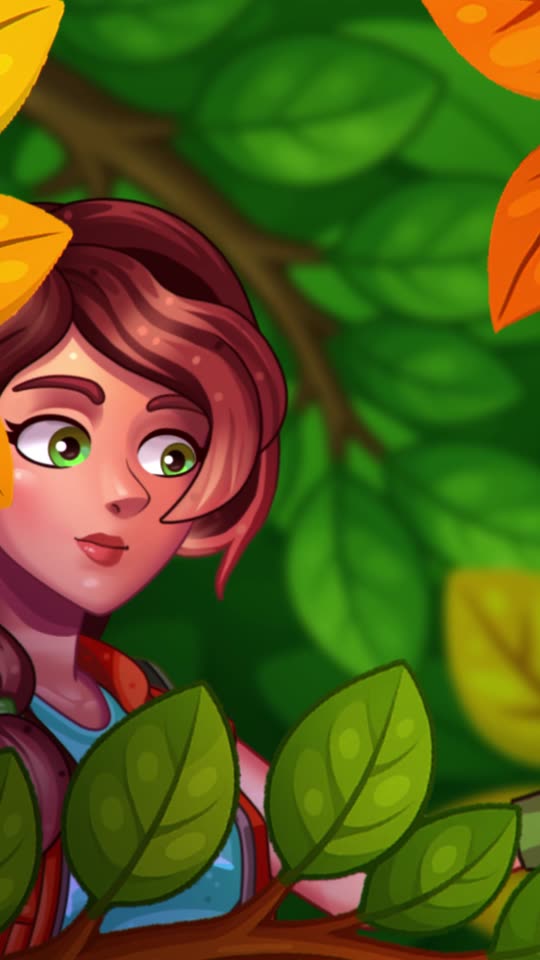 Island Awakens Motion Graphics Illustrated 2D motion with dialogue boxes, a hut restored and a closing shot of the island and its animals: story and world in one cut. Watch in the showcase ↗
-
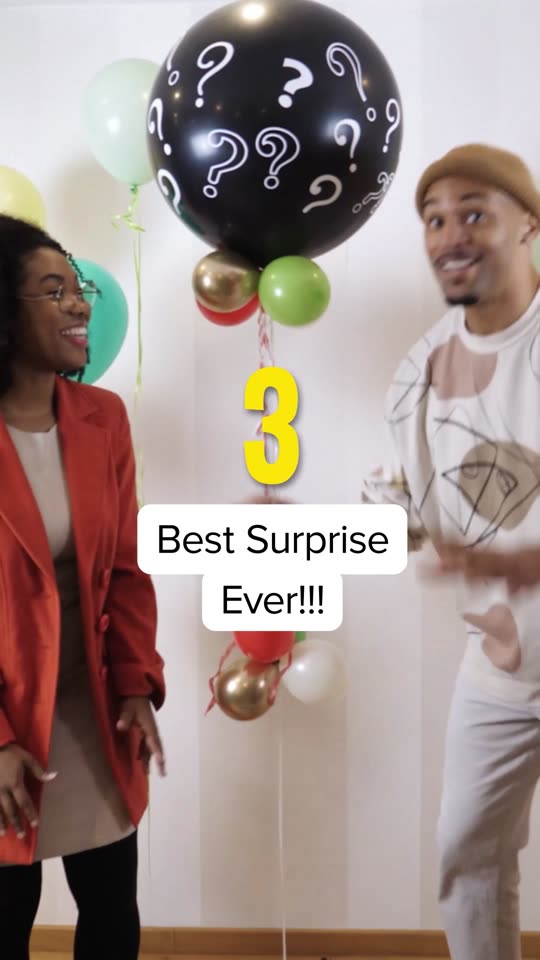 DC Party Reveal Motion Graphics A filmed party opener that turns into animated eggs hatching, feeding, the world map and the dragon roster. Watch in the showcase ↗
Read more
Questions people ask
What is the difference between motion graphics and 3D/CGI ads?
Motion graphics animate designed elements: type, interface, icons and 2D art. 3D or CGI ads use modelled, lit and rendered scenes, so characters and worlds can be shown from any angle. Most game ads we make mix one or both with captured gameplay.
Do motion and 3D ads beat UGC for games?
Not as a rule. In our view they win when the thing to sell is inside the game: a system, progression, a world or IP. UGC wins when the hook is a person. We run both in the same campaigns and let the results decide.
Should a 3D ad show real gameplay?
Yes, and early. Google's help centre says most mobile game players are more likely to install after watching gameplay videos than promotional videos, and its creative guidance says videos should get to the app experience as quickly as possible.
What specs do motion and 3D ads need on AppLovin?
AppLovin's creative specs for app advertisers list 9:16 portrait video, MP4 or MOV, up to 60 seconds and 1 GB. The playable or end card that follows is a separate asset.
How do you judge whether a motion or 3D ad worked?
On installs and payers in your MMP, read inside your own ad accounts, against the UGC and live action running alongside it, not on view rate.
Do you make the motion and 3D work in house?
Yes. We make video, creators and UGC, motion, playables, end cards, statics and the landing page from the same brief.
Also under Gaming